Engage your customers on WhatsApp
Your customers' preferred channel: campaigns, notifications, and automated support on the app they use every day.

What WhatsApp Business enables
Campaigns & notifications
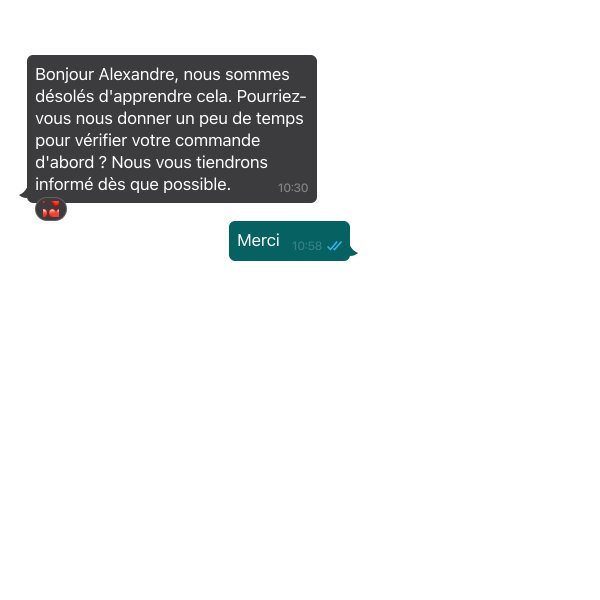
Broadcast your offers on WhatsApp, via single or automated sequence sends.


Alerts & useful information
Keep your customers informed at the right time: confirmations, reminders, status updates, availability, or important information.

Automated journeys
Trigger your WhatsApp messages based on your scenarios and customer actions to communicate at the most relevant moment.

WABA & template compliance
Communicate via a verified WhatsApp Business account and approved message templates for professional, compliant messaging.



Your first campaign in 3 steps

Connect your WhatsApp Business account
Account verification and setup.
Create your templates and scenarios
Approved messages, automated responses.
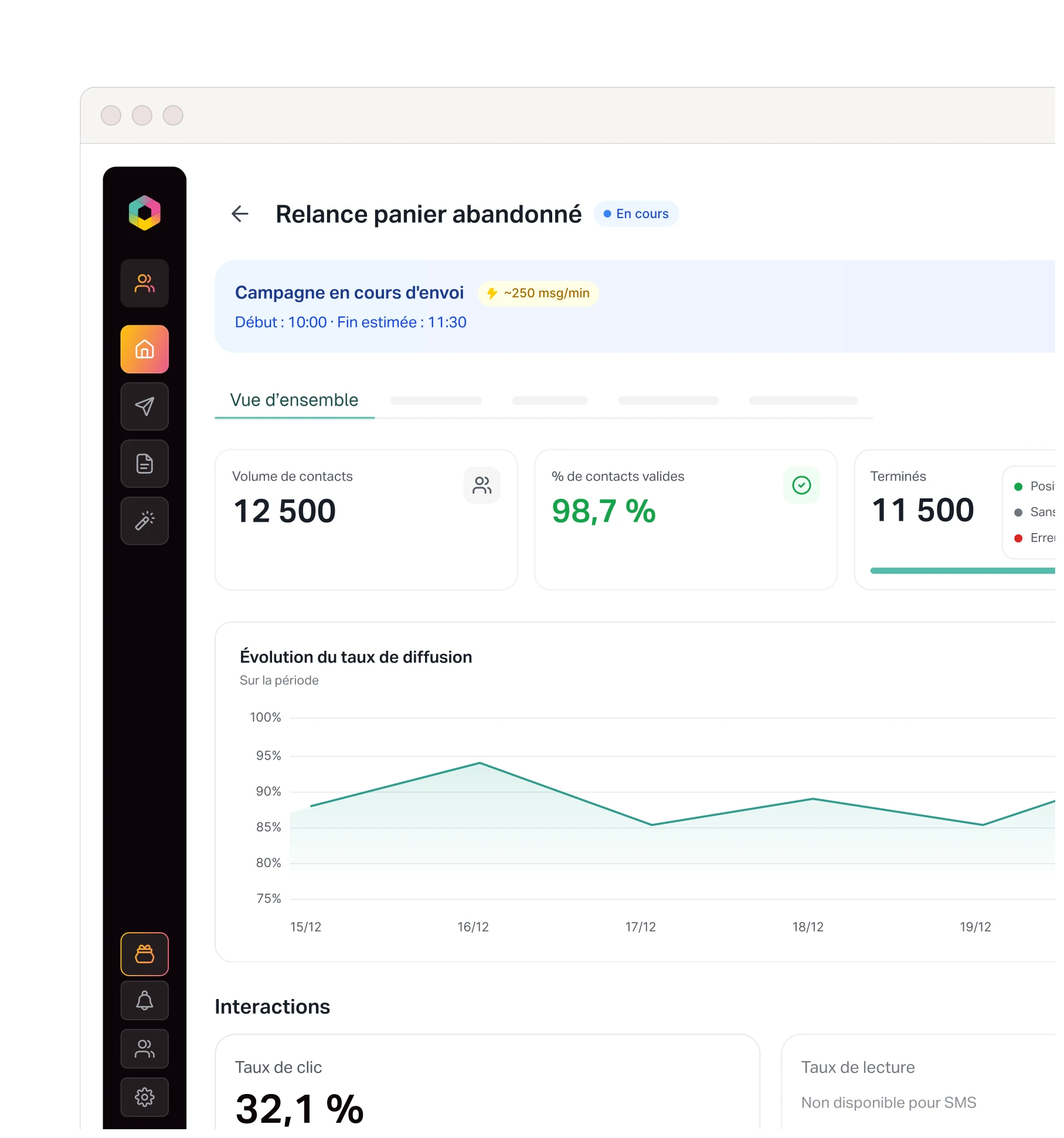
Engage and measure
Conversation and performance tracking.
When should you use WhatsApp, SMS, or email?
Best suited for
Reach
Campaigns, notifications, and rich media messages (images, buttons, links)
Contacts who have consented to receive WhatsApp messages
SMS / RCS
Alerts, reminders, notifications, and high-visibility messages
Very broad mobile coverage
(with WABA)
Newsletters, detailed communications, and long-form content
Contacts with an email address
(opt-in required)
FAQ
Do I need a WhatsApp Business account to send campaigns?
Yes, using the WhatsApp Business API requires a WhatsApp Business Account (WABA).
How do templates work?
Templates are pre-approved message formats by Meta, used to start a conversation with a customer (notifications, reminders, confirmations). You can also create your own messages directly within the Oppy editor.
Can we chat directly on WhatsApp via Oppy?
Not exactly, but Oppy allows you to initiate discussions with your contacts through outbound communication. This can be done via a simple campaign or an automated multi-channel scenario (Email, SMS, callbot, etc.).
Engage your customers on WhatsApp today.
Create engaging conversations.